Choosing the right PC, laptop or tablet can make a significant difference to your productivity, comfort and everyday experience. Many people find that technology becomes either a useful tool or a constant source of frustration – often because their equipment does not match their actual needs. A computer that is perfect for studying is not necessarily ideal for demanding work, and a device that performs well for entertainment and gaming is rarely the best option for office use. That is why it is essential to start by considering how and why you will use your device.
The market for computers and tablets is vast and can feel overwhelming. There is a huge range of models, operating systems, screen sizes, performance levels and price points, which can quickly make the decision difficult. Many people end up paying for features they never use or choosing a device that soon feels slow or inadequate. Making a considered choice is not about finding the most expensive or advanced model, but about finding the one that best suits your specific needs and daily life.
Your requirements will vary considerably depending on whether the computer will mainly be used for work, study or entertainment and gaming. Work often demands stability, multitasking capabilities and good ergonomics, while studying typically calls for a lightweight, flexible and reliable device. Entertainment and gaming place very different demands on graphics, sound and performance. Once you understand these differences, it becomes much easier to narrow down the options and make a sensible choice.
Practical factors such as portability, battery life, connectivity and ease of use also play an important role. Does the device need to go everywhere with you, or will it mainly stay in one place at home? Does it need to handle demanding software, or will you mostly use it for streaming, browsing and light work? Asking these questions beforehand helps you avoid many common buying mistakes.
In this article, we guide you through the most important considerations so you can choose the best PC, laptop or tablet for your needs. The focus is on giving you a clear overview, explaining the differences and providing a solid basis for a decision that will serve you well – both now and in the years ahead.
Identify Your Computing Needs
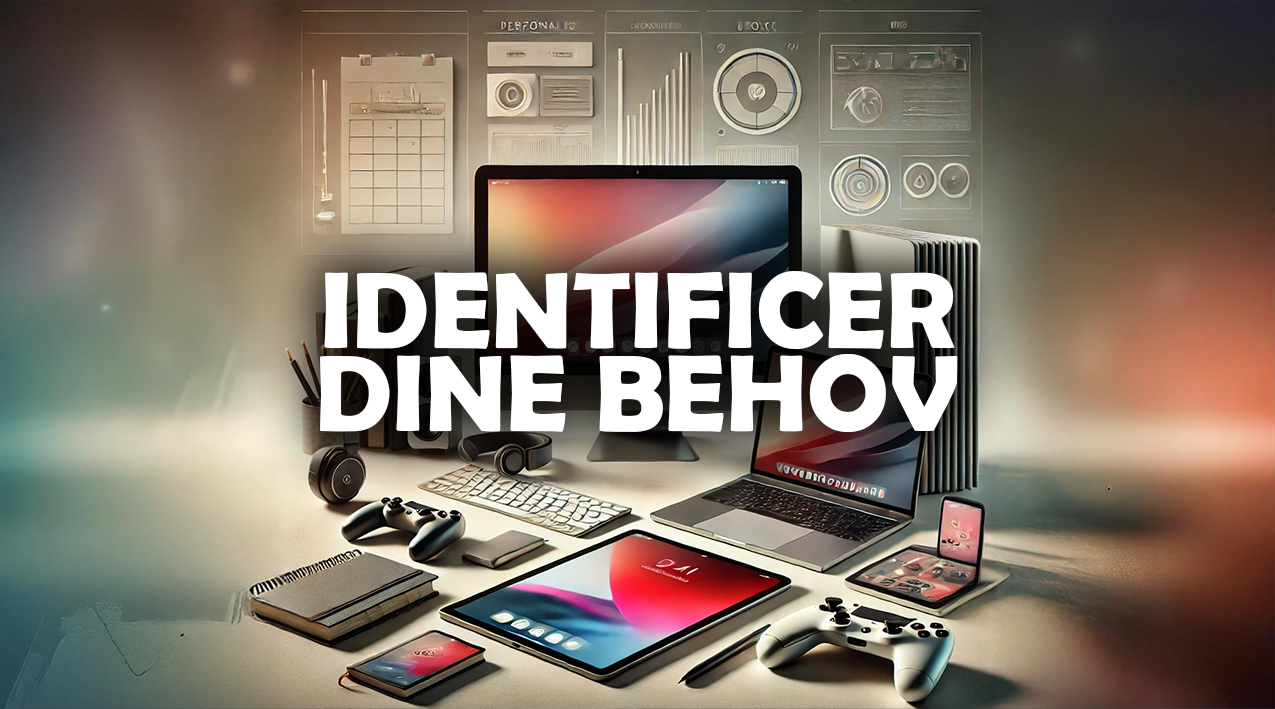
When choosing a new computer, laptop or tablet, it is essential to start by understanding what you actually need. Your computing needs will vary considerably depending on whether you will mainly use the computer for work, study or entertainment.
Once you are clear about the purpose of your new computer, you can more easily choose a model with the right specifications and features – without paying for anything you will not use. A thoughtful assessment of your needs helps you find a computer that suits your daily life, software and budget – and can serve you well for many years to come.
Ideas to Help You Identify Your Needs When Choosing a New Computer
Work – Prioritise Stability and Performance for Your Computing Needs
If you mainly need your computer for work, it is important to choose a machine that can handle multiple programs and large files without difficulty. Professional tasks often require a computer with a powerful processor, plenty of RAM and a fast SSD, so you can work efficiently without delays. A large screen on your PC – or the option to connect an external monitor – can boost your productivity, especially if you work for many hours each day. A reliable computer is more than a luxury: it is a direct investment in your working day.
Study – Choose Portability and Flexibility for Your Computing Needs
For students, computing needs often centre on flexibility and portability. A lightweight, compact laptop with long battery life is easy to take to lectures, study groups and the library. A quick start-up time and ease of use make a real difference when switching between tasks throughout the day. You should also consider how much storage space and which programs you need on your computer, so you do not end up paying for unnecessary features.
Entertainment – Focus on Screen Quality and Ease of Use for Your Computing Needs
If entertainment is your main reason for using a computer, focus on a PC with a good screen, high resolution and decent sound. Films, streaming and social media do not necessarily require a powerful processor, but they do call for a comfortable viewing and listening experience. A tablet can often be an ideal choice if you want a compact device that is simple to operate. Ease of use is just as important here as the technical specifications.
Gaming – Prioritise the Graphics Card and Cooling for Your Computing Needs
If gaming is your main reason for using a computer, performance is crucial. A powerful graphics card and processor in your PC deliver a significantly better gaming experience, with smooth graphics and fast response times. You should also consider an effective cooling system to prevent the computer from overheating during longer gaming sessions. A gaming computer typically requires a larger investment, but it can also provide many hours of reliable, immersive gaming enjoyment.
Future-Proofing – Think About Your Long-Term Computing Needs
Whatever your current computing needs, it is wise to think ahead. A computer with a little extra capacity gives you flexibility if your needs change over time. This can add several years to your computer’s useful life and make it a better investment overall. Choose a model that can be upgraded or expanded if necessary, so you avoid having to replace your computer too soon.
REMEMBER - The better you understand your needs, the easier it will be to find the right computer. Choosing a computer thoughtfully – with both your current and future needs in mind – helps you get the best value for money.
Important Components and Specifications for Your Computer
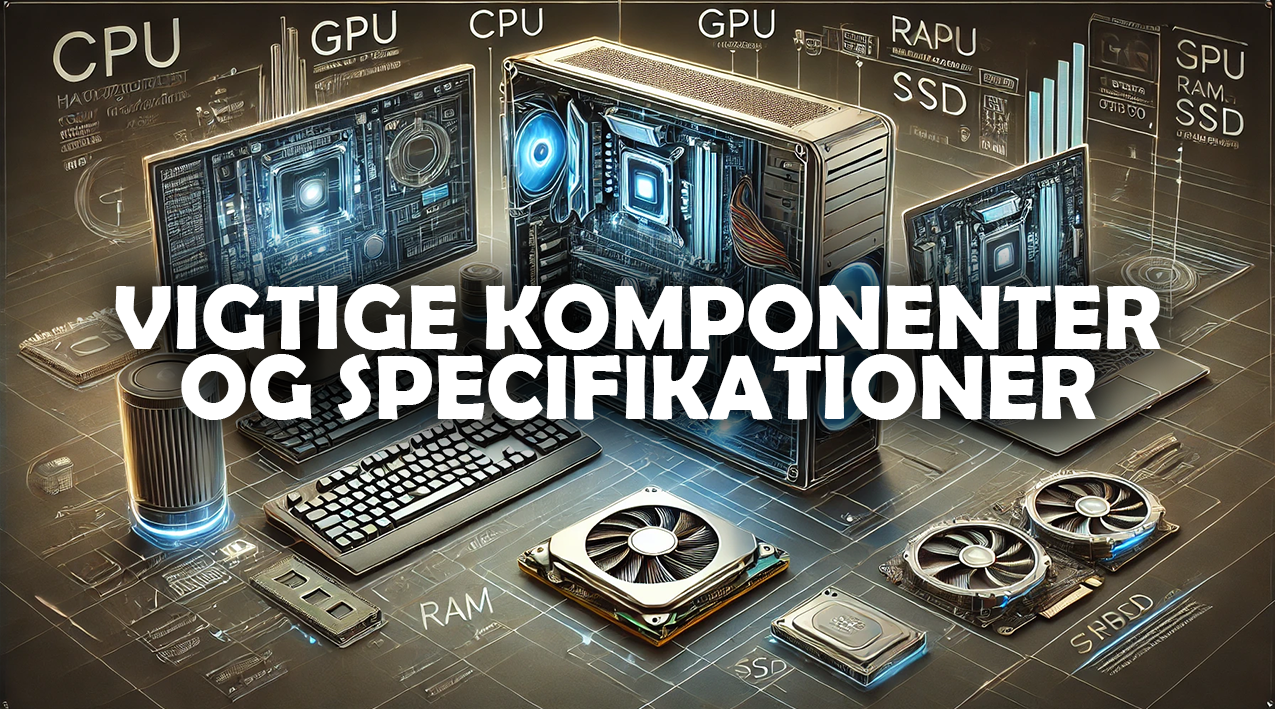
When choosing the right computer, price and brand should not be the only factors that influence your decision. The technical components play a crucial role in how the computer actually performs in everyday use. Understanding the key specifications helps you assess whether a particular model suits your needs — whether for work, study, entertainment or gaming.
The better you understand the main parts of a computer, the easier it becomes to find a model that delivers exactly the performance you need.
Ideas and Guidance - Important Components and Specifications for Your Computer
Processor (CPU)*** – The Brain of Your Computer***
The processor is one of the most important parts of a computer because it determines how quickly and efficiently everything runs. The better the CPU, the faster your computer can handle programs, multitasking and complex tasks. For everyday office work or studying, a standard processor may be sufficient, while gaming, video editing or programming require a more powerful model. Choosing a PC with a fast CPU helps ensure that your computer can keep up with your needs for several years.
Your choice of processor depends on your needs. Here are some examples:
Intel Core i5/i7 or AMD Ryzen 5/7 - A good choice for studying and everyday office work.
Intel Core i9 or AMD Ryzen 9 - Suitable for more demanding tasks such as video editing and gaming.
Apple M1/M2 - Excellent for creative tasks and software optimised for macOS.
RAM*** – The Memory That Keeps Your PC Running Quickly***
RAM determines how many programs and tasks your PC can handle at the same time without slowing down. If you mainly use your computer for word processing, emails and browsing the internet, 8 GB of RAM can often meet your needs.
For gaming, editing or advanced work, 16 GB or more can make a noticeable difference to your PC’s performance. Having enough RAM makes your computer more versatile and responsive in everyday use.
Here are some examples of RAM capacities for your computer:
8 GB RAM - The minimum for studying and lighter tasks.
16 GB RAM - Recommended for gaming and multitasking.
32 GB or more - Necessary for professionals working with video editing, CAD or other demanding software.
Storage*** (SSD or HDD) – Make Your Computer Fast and Efficient***
Storage affects both the amount of space available and the speed of your computer. An SSD (Solid State Drive) is much faster than a traditional HDD, resulting in shorter boot times, faster program launches and a more responsive PC overall. Choose a capacity that provides room for system files as well as your most important documents, programs and media. Prioritising an SSD can be worthwhile if you want a computer that is fast in everyday use.
Here are some examples of storage options for your computer:
SSD (Solid State Drive) - Faster and more reliable than traditional hard drives. 256 GB is suitable for light use, while 512 GB or more is recommended for computers used for gaming and creative tasks.
HDD (Hard Disk Drive) - Can provide additional storage for large files that take up a lot of space.
Graphics Card (GPU)*** – Bring Your PC’s Visuals to Life***
The graphics card is particularly important if you use your computer for gaming, graphic design, photo editing or video editing. A dedicated graphics card can give your computer much better image quality, more vivid colours and smoother motion. Integrated graphics are usually sufficient for office use, but for more demanding tasks, investing in a more powerful GPU can be worthwhile. A good graphics card can extend your PC’s useful life and significantly improve the user experience.
Here are some examples of graphics options for your computer:
Integrated graphics - Sufficient for a computer used for studying and office tasks.
Dedicated graphics card (NVIDIA/AMD) - Required for computers used for gaming, video editing and 3D rendering.
Computer Screen – Your Computer’s Visual Experience
Your computer screen is what you look at every day, and it has a significant impact on your comfort and efficiency. Resolution, colour reproduction, brightness and size can make a big difference, especially if you spend many hours in front of your PC. A high-quality computer screen reduces fatigue, improves your workflow and provides a better experience when watching films, viewing images and playing games. It is an important factor that many people underestimate when choosing a computer.
Here are some examples of computer screen sizes:
13–14 inches - Perfect for a computer used for studying and working on the go.
15–17 inches - Well suited to a computer used for gaming and creative work.
4K resolution - Works well for a computer used for video editing and graphics work.
Battery Life and Portability – Make Your Laptop Practical
Battery life and portability are crucial factors for laptops. If you often work or study on the go, choose a lightweight laptop with long battery life. A battery that lasts gives you the freedom to work, study or stream without constantly having to find a power socket. A portable computer with reliable battery life gives you flexibility in everyday life.
Cooling and Noise Levels – Create a Comfortable Computing Experience
An effective cooling system is important to prevent your PC from overheating during use. It protects the components and extends the computer’s lifespan. A quiet fan also creates a more comfortable working environment, especially if you use your PC for long periods at a time. A quiet computer that stays cool provides a better overall experience, whether for work, study or entertainment.
Connectivity and Expansion Options – Make Your PC Flexible
Good connectivity makes a computer far more versatile. USB ports, HDMI, card readers and the ability to connect external devices such as monitors or hard drives increase flexibility. Choosing a PC with good expansion options gives you a device that can grow with your needs. This means you do not have to replace the entire computer if your requirements and needs change over time.
REMEMBER - Understanding computer components helps you choose a PC that matches your requirements and needs. The right components make the difference between a computer that is easy to use and one that is frustrating, and they are the key to a good user experience.
Consider Tablets When Choosing a Computer
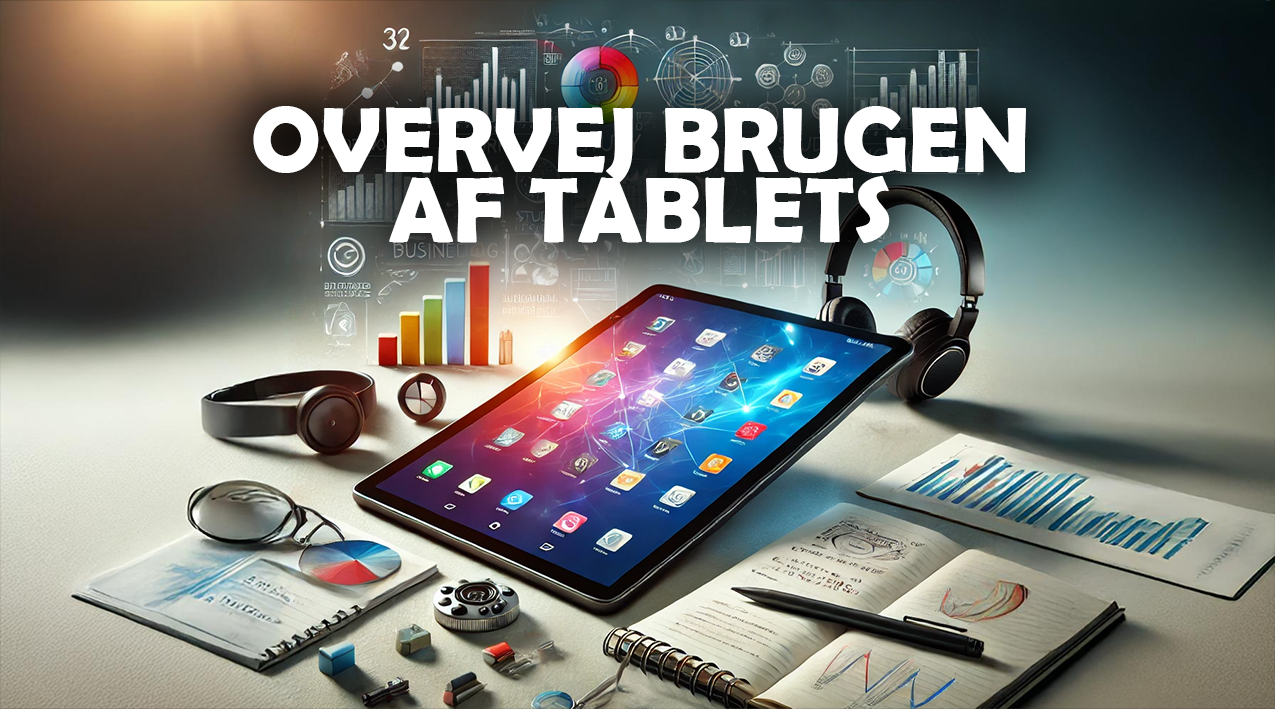
When choosing a new computer, it can be worth considering whether a tablet could meet your needs. Tablets have developed significantly in recent years and can often serve as a flexible, user-friendly alternative to a traditional desktop PC or laptop.
Tablets are easy to carry, have long battery life and often start up quickly, making them ideal for studying, travelling, entertainment and lighter work tasks. Although a tablet cannot always replace a full computer for demanding tasks, it can be a practical and affordable option for many types of users.
Here Are Some Examples of Tablets
Apple iPad Pro - Suitable for creative tasks such as drawing and video editing.
Microsoft Surface Pro - Can replace a laptop thanks to its full Windows operating system.
Android Tablets (Samsung Galaxy Tab) - A good choice for entertainment and lighter productivity tasks.
Ideas and Guidance - Consider Tablets When Choosing a Computer
Portability and Flexibility Make a Tablet a Good Alternative
One of the biggest advantages of a tablet is its portability and flexibility. It is lightweight, compact and easy to take anywhere — unlike a heavy laptop. Tablets often have long battery life, quick start-up times and a touchscreen, making them particularly practical when you are on the go. If you need a device to use on the train, in meetings, at a café or for studying, a tablet can be a very practical option.
A Tablet Is Ideal for Lighter Tasks and Studying
Tablets are particularly well suited to everyday tasks such as reading documents, taking notes, browsing the internet and attending online classes. Paired with a keyboard, your tablet can function almost like a laptop — but with less weight and greater flexibility. This makes a tablet suitable for students and anyone who wants a simple, efficient device for everyday use without investing in a powerful computer.
A Tablet Provides an Excellent Entertainment and Streaming Experience
If entertainment is your main priority, a tablet is often an ideal choice. The large touchscreen, good picture quality and audio experience make tablets particularly suitable for watching films and series, listening to music or using social media. Tablets are also easy to use, making them ideal for both children and adults who want quick, convenient access to digital media.
Tablet Accessories Give You More Flexibility
A tablet’s capabilities can easily be extended with accessories such as a keyboard, mouse, stylus and external devices. This allows you to use it for more purposes — for example, work, study or creative projects. Many modern tablets support professional accessories, making them a genuine alternative to a laptop for many users. This flexibility is one reason why tablets are increasingly used as a primary device.
A Tablet Can Be a Practical Companion to Your Computer
Although a tablet may not replace a computer for every task, it can be an excellent companion device. Many people use tablets for meetings, taking notes, video calls or enjoying digital media, while their desktop or laptop handles demanding tasks. This combination of tablet and computer gives you the best of both worlds — the portability and flexibility of a tablet alongside the power and capacity of a computer.
REMEMBER - Depending on your needs, a tablet can often be a smart, flexible alternative to a traditional computer, offering a simple, versatile and often cheaper option than many PCs.
Laptop vs Desktop PC
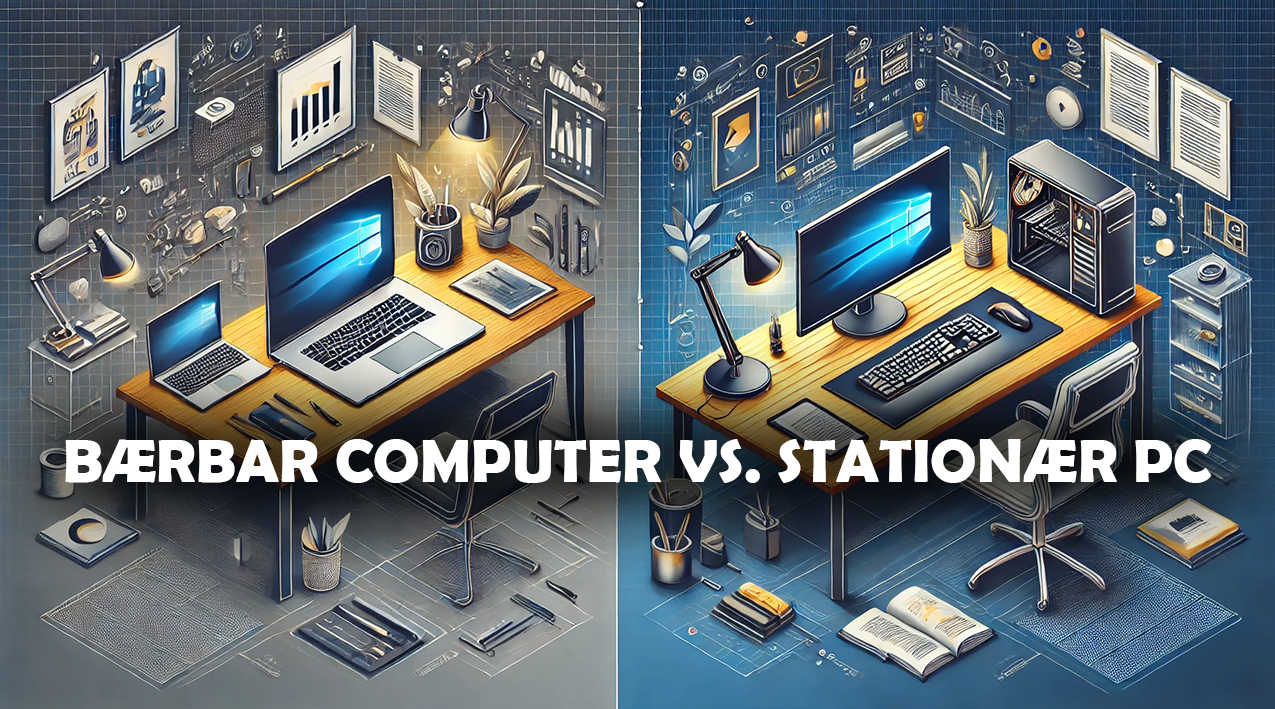
When choosing a new computer, you often face a key decision: should you go for a laptop or a desktop PC? Both options have clear advantages and disadvantages, and the choice largely depends on how you plan to use your device.
A laptop gives you the flexibility and freedom to work or study anywhere, while a desktop PC typically offers more power, better upgrade options and a lower price for the same performance. By weighing up portability, performance, upgrade options and price, you can more easily find the computer that best suits your requirements and needs – whether for work, study, entertainment or gaming.
🧠 Ideas and Guidance - Considerations When Choosing Between a Laptop and a Desktop PC
Portability Is a Key Strength of a Laptop
A laptop offers exceptional flexibility because you can take it anywhere. It is ideal for studying, working on the go, meetings or working from home. With a built-in screen, keyboard and battery, a laptop is an all-in-one solution that does not require extra equipment. This makes a laptop particularly suitable if you need to work, study or enjoy entertainment in different locations throughout the day.
Performance and Price Favour a Desktop PC
A desktop PC often delivers more performance for your money than a laptop. It can be equipped with more powerful components, better graphics cards and more effective cooling. This makes it ideal for demanding tasks such as gaming, video editing, programming and professional work. If you do not need to move your device around, a desktop PC can be the most advantageous choice – both financially and technically.
A Desktop PC Offers Better Upgrade Options
A desktop PC gives you much greater freedom to upgrade and replace components such as RAM, storage, the graphics card and the power supply. This means you can adapt the computer over time as your needs develop. This flexibility makes a desktop PC an investment that can last for many years and accommodate both new software and higher performance requirements.
A Laptop Is Simple to Set Up
A laptop requires minimal setup and can be used straight away. You do not need to buy an additional screen, keyboard or cables, as everything is already integrated into the device. This makes a laptop easy to use for both beginners and experienced users. Its simplicity is particularly beneficial if you want a quick, flexible and practical solution that requires no technical knowledge to get started.
A Desktop PC Is Better for Gaming and Specialised Tasks
If you plan to play demanding games, run resource-intensive programs or use advanced software, a desktop PC is often the best option. It offers better performance, the option to add multiple monitors and much more powerful hardware. Desktop PCs also often have better cooling, allowing them to maintain stable performance over longer periods. This makes a desktop PC particularly suitable for both gaming and professional use.
REMEMBER - Your choice between a laptop and a desktop computer depends on how you will use your computer in everyday life. There is no single right computer for everyone – only the choice that best suits your personal requirements and needs.
Budget and Price Considerations When Choosing a PC
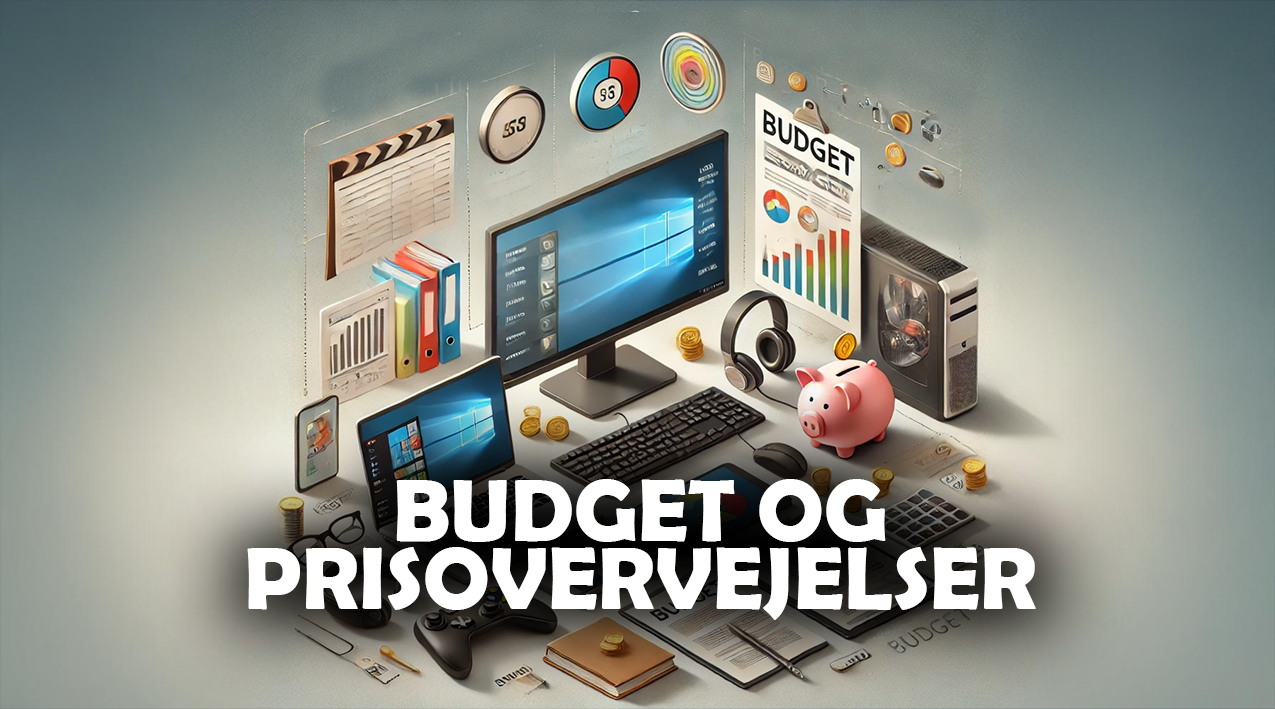
When choosing a new PC, laptop or tablet, your budget often plays a decisive role. It is important to find the right balance between price, quality and functionality, so you do not pay for more than you actually need — but also avoid compromising on something you will miss later.
A carefully considered computer budget helps you get the most from your investment while choosing a device that meets both your current and future computing needs. A good approach is to identify what is essential for you and where you could save without affecting the user experience.
The price can vary considerably depending on the specifications you choose for your computer. Set a budget and prioritise the features that matter most to you when choosing a computer.
Here Are Some Estimated Price Ranges (2026) for Different Types of Computers:
Under DKK 5,000 - Basic computers and tablets.
DKK 5,000–10,000 - Mid-range computers and entry-level gaming PCs.
Over DKK 10,000 - High-end gaming PCs and professional work computers.
Ideas and Guidance - Budget and Price Considerations When Choosing a PC
Define Your Needs Before Setting Your Computer Budget
Before you start looking at prices, it is important to be clear about what you will mainly use your computer for. If you mostly use your PC for simple tasks such as word processing, browsing the internet or streaming, a budget-friendly model can often meet your needs. If, however, you work with demanding software, play games or tackle creative projects, you should prioritise better performance and a longer lifespan. Having a clear understanding of your needs makes it easier to set a realistic budget, so you neither spend more than necessary nor invest too little in your computer.
Think Long Term When Buying Your PC
Although choosing the cheapest option may seem tempting, it can cost more in the long run if your PC quickly becomes outdated or fails to meet your needs. Investing a little more in a computer with better components often gives you a device that lasts longer and can handle more tasks over time. This means fewer replacements and better value for money. Taking a long-term approach to buying your computer can therefore be a wise financial decision.
Compare Prices and Offers Before Choosing Your Computer
The price of the same computer can vary significantly between shops. It is therefore worth researching computer prices thoroughly before making a decision. Check promotions, seasonal sales and online shops to find the best price for your computer. Sometimes, simply buying at the right time can get you a more powerful PC or laptop for the same price. This gives you more for your money without compromising on quality.
Be Aware of Hidden Costs for Your PC
When planning your budget for a new computer, it is important to remember that the purchase price is rarely the only expense. Additional costs for software, antivirus protection, external storage, cables, a monitor or other accessories can quickly add to the price. Including these expenses from the start gives you a more realistic picture of the total cost of your computer. This makes it easier to choose a PC that suits both your needs and your finances.
Weigh Up Price Against Functionality When Choosing a Computer
You do not need to buy the most expensive model to get a good experience. Many mid-range computers now offer strong performance, good build quality and a long lifespan at a reasonable price. What matters most is that your PC meets your actual needs, rather than simply impressing you with specifications you will never use. Finding the right balance between price and functionality gives you a computer that offers the best value for money.
REMEMBER - A carefully considered computer budget helps you get the most for your money. Matching your budget to your needs helps you avoid buying either more or less computer than you need.
Additional Equipment and Accessories for Your Computer
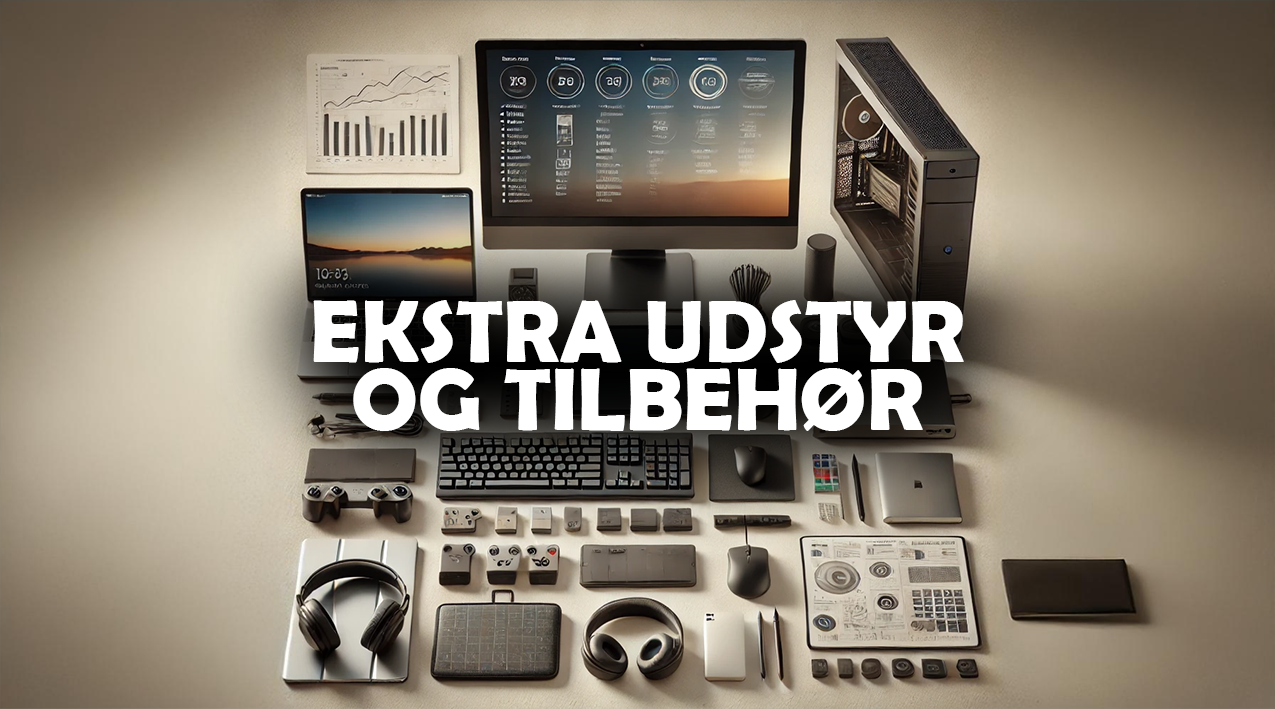
Once you have chosen the right computer, the next step is to consider which additional equipment and accessories could improve your overall computing experience. The right PC accessories can make your working day more efficient, your studies easier and your entertainment more enjoyable.
Many people underestimate how much difference small additions to a PC can make — to comfort, functionality and the computer’s lifespan. By choosing PC accessories that suit your requirements and needs, you can improve your computing experience and get more from your investment.
🧰 Ideas and Guidance - Additional Equipment and Accessories for Your PC
An External Monitor Gives You More Screen Space and a Clearer Overview
An external monitor can be a major advantage, especially if you work with multiple programs, large spreadsheets or creative projects. Adding an extra screen to your computer gives you a clearer overview, more workspace and a more ergonomic working position. This can both increase your productivity and reduce eye and neck strain during prolonged screen use. An extra monitor is particularly useful for office work, studying and gaming.
An External Keyboard and Mouse Make Your PC More Comfortable to Use
Although laptops have a built-in keyboard and touchpad, an external keyboard and an ergonomic mouse provide a more comfortable working experience. This is particularly useful for people who spend many hours in front of a PC. An external keyboard and mouse reduce strain on your hands and wrists and can also protect your laptop from wear and tear. A good keyboard and mouse give you a more comfortable and efficient workstation.
A Docking Station Makes Your Laptop More Flexible
A docking station can turn a laptop into a desktop workstation with just one cable. It allows you to connect additional monitors, a keyboard, a network connection, a printer and other devices to your PC with ease. It is an ideal solution if you work both at home and in the office, as you can easily connect your PC to all your equipment at once. Docking stations make it simple to get the best of both laptop and desktop computing.
An External Hard Drive or SSD Gives Your PC More Storage Space
An external hard drive or SSD is a simple, practical way to expand your PC’s storage capacity. It allows you to store large files, back up important documents or transfer data between devices without filling up your computer’s internal drive. External storage can also extend your computer’s lifespan by reducing the load on its internal drive. It is a flexible solution, especially if you work with photos, videos or large projects.
A Headset or Speakers Improve Your Computer’s Audio Experience
Good sound makes a noticeable difference, whether you use your computer for meetings, streaming, music or gaming. A quality headset or a good set of speakers can provide a much better audio experience than the built-in components of a standard PC. They can also improve communication during online meetings and make entertainment and gaming more immersive. Good sound is therefore an important part of a complete computing experience.
Protection and Cleaning Extend Your Computer’s Lifespan
Bags, cases, screen protectors and cleaning equipment can help protect your computer from scratches, dust and other damage. Laptops are particularly prone to wear and tear when they are frequently carried around. Protecting your PC can extend its lifespan and keep it functioning well for longer. Regular cleaning can also improve your computer’s performance by preventing dust from building up in the keyboard and vents.
REMEMBER - The right accessories for your PC can make a big difference to everyday computer use. Computer accessories are about more than extra equipment — they are about improving your daily computing experience.
Recommendations for Different Computing Needs
Choosing the best computer is not just about price and specifications – it is primarily about what you will use it for. Different needs call for different types of computers, and a device that is perfect for one person may be completely unsuitable for another.
A clear understanding of your intended use makes it much easier to choose a computer that fits your needs and daily life — whether for work, study, gaming or entertainment. By considering your everyday computing activities, you can ensure that you buy neither more nor less computing capability than you actually need.
REMEMBER - the most important thing is not to buy the most expensive computer – but the computer that best suits you and your needs.
🧭 Ideas and Guidance - Recommendations for Different Computing Needs
A Computer for Office Work and Working from Home
If you will mainly use your computer for office tasks, emails, word processing, online meetings and planning tools, you do not need to invest in the most advanced model. A laptop or desktop PC with a fast processor, 8 GB of RAM and an SSD typically provides reliable, efficient performance for everyday use. It can also be worth choosing a model with a good screen and a comfortable keyboard, as spending many hours at your computer calls for comfort and reliability.
A Computer for Studying and Lighter Tasks
A laptop or a tablet with a keyboard is well suited to students and people with light everyday computing needs. Here, portability and battery life often matter more than high performance. Quick start-up times and a lightweight design make it easy to take your computer to classes, group work sessions or the library. Many study tasks can be handled by an affordable computer that provides a reliable, practical solution without unnecessary features.
A Computer for Entertainment and Streaming
If you mainly use your computer to stream films and series, listen to music, browse the internet and use social media, focus on screen quality, sound and battery life. A mid-range laptop or a good tablet will often be sufficient for these needs. A high-resolution screen with good colour reproduction provides a much better experience, while long battery life lets you take your entertainment with you on the go.
A Computer for Gaming and Demanding Software
For gaming and demanding software used for video editing, 3D design or complex calculations, a powerful desktop PC is often the best choice. This type of computer allows you to use a fast processor, a dedicated graphics card, plenty of RAM and better cooling. A desktop PC is also easier to upgrade over time. If you want a portable option for gaming, choose a gaming laptop with similarly powerful components.
A Computer for Creative Work and Production
If you work with graphic design, music production, video editing or similar creative tasks, choose a computer with high performance and a colour-accurate screen. Fast storage, plenty of RAM and a powerful graphics card ensure that your software runs smoothly. Many creative professionals choose a laptop for its flexibility, while others prefer a desktop PC for maximum power and the ability to tailor the equipment to their specific needs.
A Computer for All-Round Use
If you need a computer that can do a bit of everything — work, entertainment, gaming and communication — choose a solid mid-range PC with balanced specifications. A laptop with a good processor, sufficient RAM and an SSD can provide both flexibility and reliable performance. This type of computer suits many everyday users who want a dependable device without paying for advanced features they will not need.
REMEMBER - Understanding your computing needs makes it much easier to choose the right computer. The more clearly you define your needs, the more precisely you can choose the right computer for YOU.
Environmental and Sustainability Considerations for Computers
Choosing a new computer is not just about price, specifications and performance. It is also worth considering environmental and sustainability factors. Electronics manufacturing has a significant environmental impact — through resource consumption, CO₂ emissions and waste.
By making more sustainable choices about your computer, you can help reduce this impact while getting a computer that lasts longer and is better for both the environment and your finances.
Choosing a sustainable computer does not necessarily mean spending more, but thinking smarter - extending your computer’s lifespan, prioritising energy efficiency and handling electronic waste responsibly all make a significant difference in reducing your ecological footprint.
🌱 Ideas and Guidance - Environmental and Sustainability Considerations for Computers
Choose a Computer with a Long Lifespan
One of the most effective ways to reduce environmental impact is to choose a computer that lasts for many years. Choosing a PC with quality components and upgrade options reduces the need to replace it too soon. This means less electronic waste and lower resource consumption over time. A sturdy computer with good performance can be adapted to future needs and also offers better value for your investment.
Prioritise Energy-Efficient Computers
Energy-efficient computers use less electricity and therefore contribute to lower CO₂ emissions. Choosing a PC with an energy certification such as Energy Star gives you confidence that your computer has been designed with low power consumption in mind. This benefits not only the environment but also your electricity bill. An energy-efficient computer is therefore a simple, practical way to support a greener everyday life.
Consider a Second-Hand or Refurbished PC
A refurbished PC, or a computer that has been professionally restored, can be a sustainable and financially sensible choice. Reusing an existing PC avoids the need to consume new resources in manufacturing and helps extend the computer’s lifespan. Many refurbished computers offer high performance and come with a warranty, making them an attractive alternative to new models.
Recycle or Pass On Your Old Computer
When your computer no longer meets your needs, that does not necessarily mean it should be thrown away. You can donate your PC, sell it on or take it for recycling so that valuable materials can be reused. Recycling your computer reduces electronic waste and ensures that your old PC can continue to provide value – either to a new owner or through the responsible recovery of its components.
Choose Manufacturers That Focus on Sustainability
When buying a new computer, choosing a manufacturer that actively works towards sustainability can make a significant difference. Several PC manufacturers now use recycled materials, reduce packaging and prioritise responsible production. By supporting businesses with green initiatives, you help encourage more sustainable development in the IT industry. You can find tips on sustainability certifications for your computer in our article - Helpful Tips on Sustainability Certifications and How to Find Them
Maintain Your Computer to Extend Its Lifespan
Good, consistent maintenance can significantly extend the lifespan of any computer. Regular cleaning of the keyboard, screen and ventilation system, software updates and replacing individual components such as the hard drive or battery can keep your PC running for many years. Taking good care of your computer reduces the need to buy a new PC too soon — benefiting both the environment and your wallet.
REMEMBER - Small, thoughtful, sustainable choices about your computer can have a significant positive impact on the environment, and a sustainable computer is not only better for the environment — it is often better for your finances too.
Conclusion
Choosing the right computer is not just about finding the latest model or the lowest price. Above all, it is about choosing a device that suits your needs — whether for work, study, gaming or entertainment.
By understanding your requirements for performance, portability, budget, accessories and sustainability, you can make a practical, financially sensible decision that will serve you well in the long term. Remember to read reviews and try out different computers in a shop, if possible, to ensure you get a computer that meets your needs and requirements.
A carefully considered investment in a PC, laptop or tablet can make your everyday life easier and more efficient, while providing a better digital experience for many years to come. When your computing needs and your device’s functionality align, you get a computer that is a perfect fit for you.
REMEMBER - The best choice is the computer that precisely matches your requirements and needs. Matching your needs to the right functionality gives you a PC that helps you get the most from your investment.
Mini Guide - Key Things to Focus on When Choosing the Best PC or Computer for YOU
This mini guide summarises the article above and gives you an overview of the factors to consider when choosing your next computer.
🎯 Define Your Needs for Your Next Computer
Decide whether you will use your computer for work, study, gaming or entertainment — this forms the foundation for making the right choice.
⚙️ Choose the Right Specifications for Your Next PC
Look at the computer’s processor, RAM, storage and graphics card to ensure they suit both your current tasks and your future needs.
💻 Consider Portability When Choosing a Computer
Choose a laptop or tablet if you need flexibility and portability. A desktop PC gives you the most power for your money if you work in one fixed location.
💰 Set a Realistic Budget for Your Next PC
Find a good balance between price and functionality. The most expensive computer is not necessarily the best one for you.
🔌 Think About Accessories and Expansion Options for Your Next Computer
Additional equipment such as a monitor, keyboard and docking station can improve your computing experience and increase efficiency.
🌿 Think Sustainably When Buying a PC
Choose a computer with a long lifespan and low power consumption, or consider a refurbished model to reduce environmental impact. This benefits both our planet and your finances.
🧼 Maintain Your Next Computer to Extend Its Lifespan
A clean, up-to-date and well-maintained PC lasts longer, runs better and provides a more reliable everyday user experience.
✅ A PC or computer that matches your needs gives you better performance, a longer lifespan and greater everyday satisfaction.
If you need more tips on buying a computer, watch this video - 12 Tips for Buying a Laptop – You NEED to Know These!
If you have experience or knowledge of choosing the right PC, laptop or tablet, we would love to hear your thoughts and suggestions in the comments, including any other factors worth considering to help everyone find their perfect computer that meets their needs.